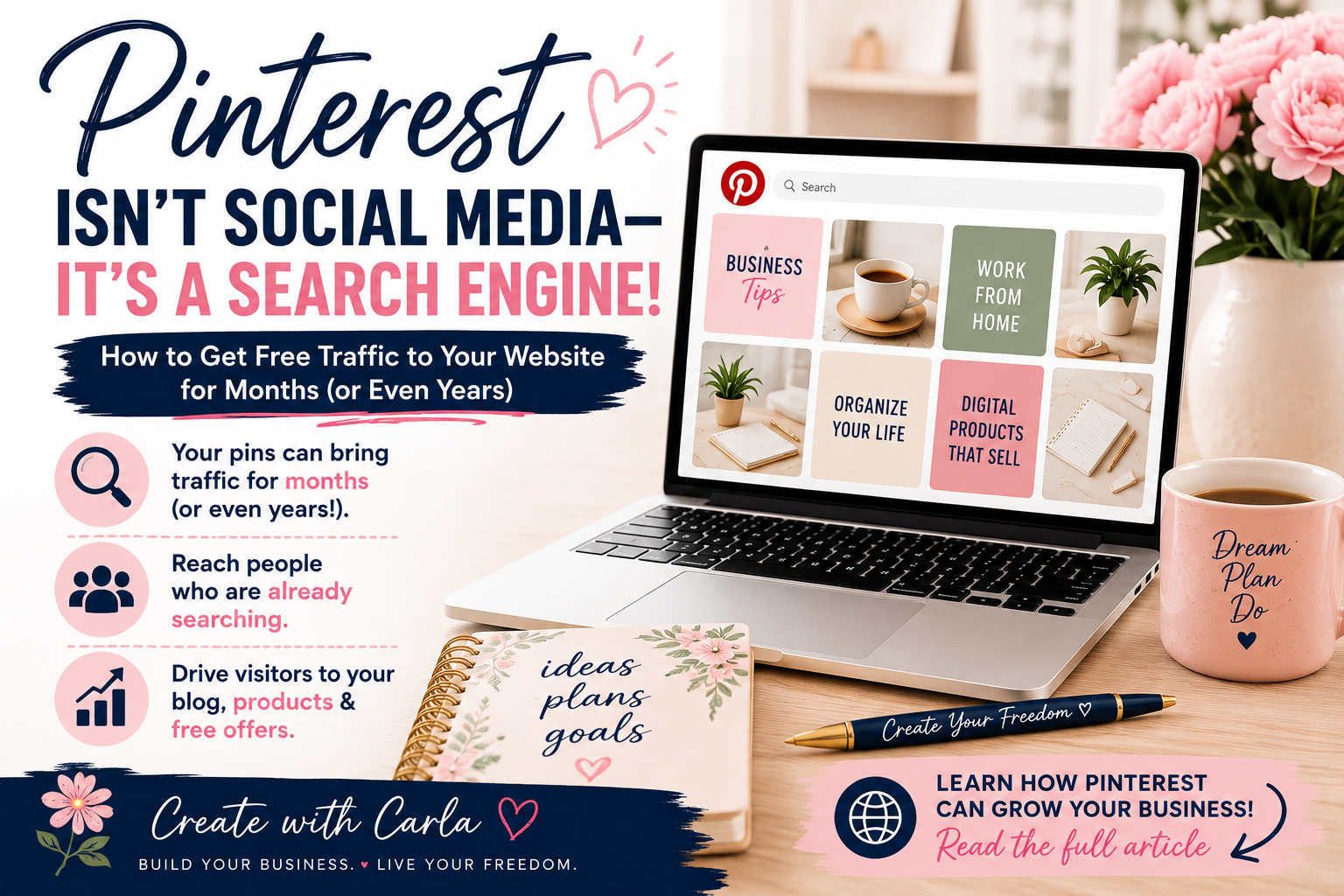
Pinterest is already bringing visitors to my website.
In the last 30 days, my Pins received 2,540 impressions and 49 outbound clicks—all organically. In this article, I’ll show you the simple changes that helped me start getting results.
Want something of your own to promote on Pinterest?
Get my free Beginner’s Guide to Creating Digital Products.
Click here 👉to Get the Free Guide.
When most people think of Pinterest, they picture recipes, DIY projects, and decorating ideas. While those are popular on Pinterest, there’s something many people don’t realize:
Pinterest is actually a search engine. And that’s exactly why I started paying more attention to it. Instead of creating a post that disappears from a social media feed in a few hours, I can create a pin that leads people directly to one of my blog posts — and that pin has the potential to keep bringing visitors long after I publish it.
That means when someone searches for a topic like “how to make money online,” “digital products,” or “journal ideas,” your content can appear in their search results—even months or years after you publish it.
Unlike many social media platforms where posts disappear within hours, Pinterest gives your content a much longer life.
Why Pinterest Is So Powerful
Every pin you create is an opportunity to bring people to your:
- Website
- Blog
- Digital products
- Online store
- Free resources
- Email list
Instead of hoping people happen to see your content in their feed, Pinterest helps connect your content with people who are already searching for it.
How to Use Pinterest Like a Search Engine
The biggest change for me was realizing that I shouldn’t think about a Pinterest Pin the same way I think about a Facebook or Instagram post.
On social media, we often create something for the people who already follow us and hope they see it in their feed.
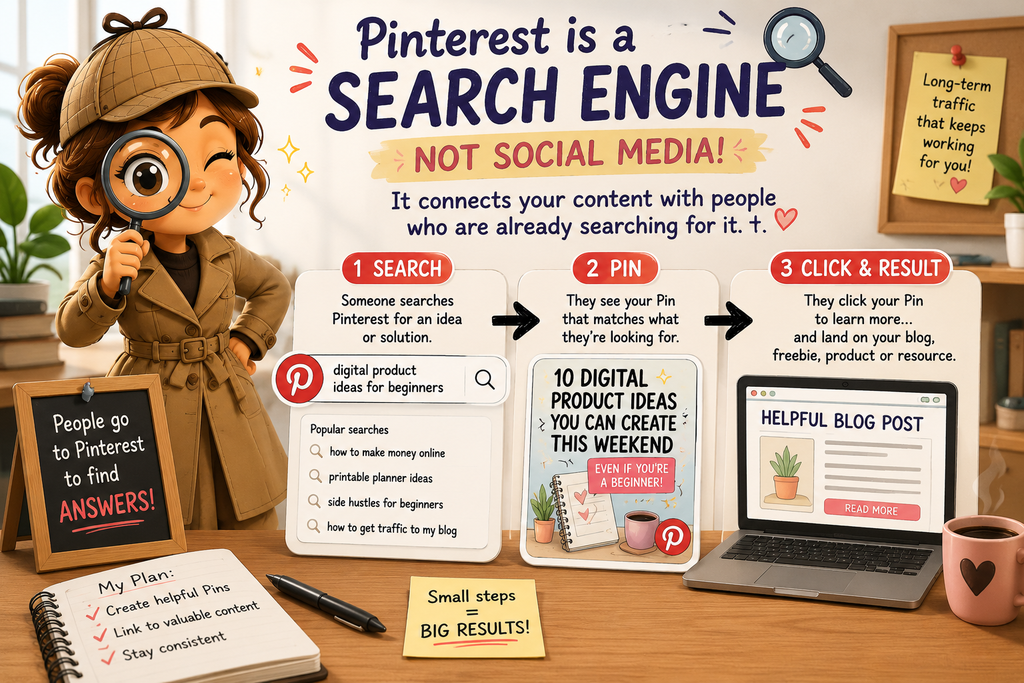
Pinterest works differently. People actually go there looking for ideas, answers and solutions.
Think about what you might type into the Pinterest search bar:
“digital product ideas for beginners”
“how to make money online from home”
“printable planner ideas”
“side hustles for beginners”
“how to get traffic to my blog”
Those searches tell us something important: instead of simply asking, “What should I post today?” we can ask, “What is my ideal reader searching for?”
That’s where Pinterest keywords come in.
If I’m creating a Pin about digital products, for example, I want the words on my Pin, the Pin title and the description to clearly tell Pinterest what my content is about.
I don’t need to stuff the same keyword everywhere or make the description sound unnatural. I just want Pinterest—and the person searching—to immediately understand what they’ll find when they click.
Then I send that person somewhere useful: a helpful blog post, a free guide, a product or another resource that answers the question that brought them there in the first place.
My Pinterest Journey
As I continue building my online business, I’m learning how Pinterest can become one of the best free traffic sources available.
I’m creating helpful pins that lead people to my blog, where I can share tips, resources, and the products I’m creating along the way.
For each blog post I create, I can make several different pins with different images and headlines. Each pin can lead back to that same blog post, giving me more than one opportunity to reach someone searching for that topic.
I’m excited to see where this journey leads, and I’ll continue sharing what I learn.
Want help getting your first pins made? I created a Pinterest Starter Package for small business owners and creators who have something to share but need help turning it into pins. Take a look at what’s included and see if it fits what you need.
One Blog Post Can Give You Several Pins
This was another Pinterest lesson that made things much easier for me.
I don’t have to write a brand-new blog post every time I want to create a new Pin.
One helpful article can give me several different Pins because people may search for the same information in different ways.
For example, a blog post about beginner digital products could become Pins such as:
10 Digital Products You Can Create This Weekend
What Digital Product Should I Sell?
Digital Product Ideas for Beginners
Easy Printables You Can Create and Sell
They can all lead to the same useful article while approaching the subject from different angles.
That means the work I’ve already done on my blog can continue giving me new opportunities to be discovered.
Getting Started
If you’re new to Pinterest, here are three simple tips:
1. Create helpful, eye-catching Pins.
Your Pin needs to give someone a reason to stop scrolling. Use a clear headline that tells them exactly what they’ll get when they click. Instead of something vague like “My Latest Blog Post,” try something specific like “10 Digital Products You Can Create This Weekend.”
2. Link every Pin to valuable content.
Don’t send everyone to your homepage. If your Pin promises digital product ideas, send them directly to the article about digital product ideas. The closer the Pin matches the page they land on, the better the experience for the person who clicked.
3. Keep creating fresh Pins.
You don’t need a brand-new blog post every day. Create different Pin designs and headlines for the useful content you already have. One article can continue giving you new opportunities to reach people over time.
Small, consistent steps can add up to significant traffic over time.
Keep Learning
Interested in creating something of your own to promote on Pinterest? Check out my post, “10 Digital Products You Can Create This Weekend Even If You’re a Beginner.”
Want to Learn More?
If you’re interested in building an online business, creating digital products, and learning how to generate traffic, I’d love to have you follow along.
You can also watch this free 8-minute video Boss Suite Sneak Peek to see one of the systems I’m using as I build my business.